Pipedrive Marketplace497 apps
search apps…
APPLE WATCHLIST
0manually curated
PIPEDRIVE APPS
497full marketplace
TOTAL TRACKED
497across 2 stores
TOP MOMENTUM
—highest score
WB
WhatsApp Business Messaging
Gallabox · Qualify my leads · Kostenpflichtig
Boost sales with Gallabox's Pipedrive integration, seamlessly connecting your team to customers on WhatsApp for faster, more engaging conversations.
REVIEWS
0
⌀ RATING
0.0
REVIEWS/TAG
—
REV/INSTALL
—
INSTALLS
—
MOMENTUM
—
FEATURES · WAS DIE APP KANN
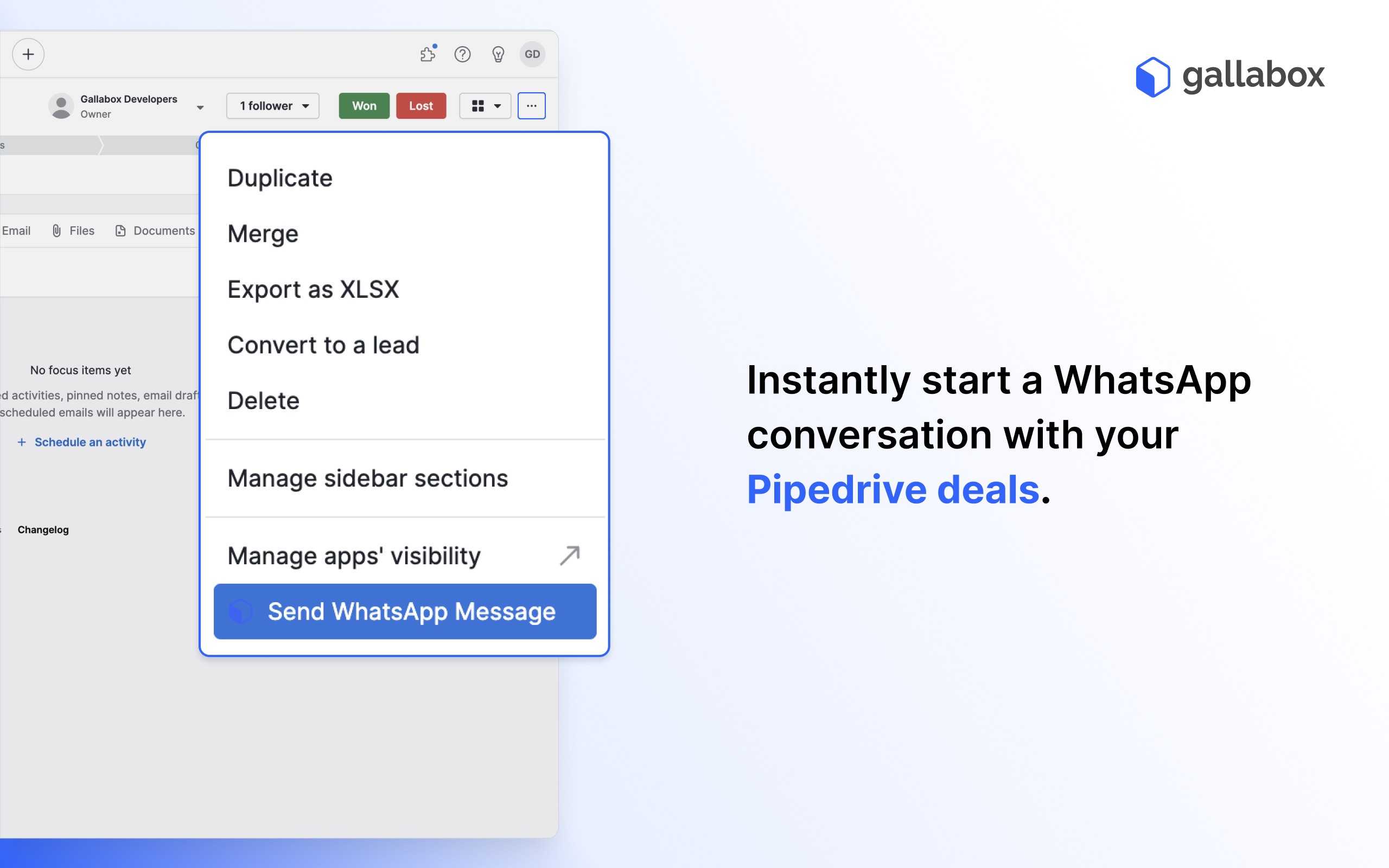
- Send WhatsApp Message
WETTBEWERB · QUALIFY MY LEADS
| App | Reviews | Rating | Momentum |
|---|---|---|---|
| ActiveCampaign 2-Way Sync | 0 | 0.0 | — |
| ActiveDEMAND | 7 | 4.5 | — |
| Aimfox | 0 | 0.0 | — |
| Airtable sync | 0 | 0.0 | — |
| Apiway | 0 | 4.0 | — |
| Brevo 2-Way Sync (formerly Sendinblue) | 0 | 0.0 | — |
| Byteline Sync | 0 | 0.0 | — |
| Cadence by Ringover | 1 | 4.0 | — |
🤖 FEATURE-GAP · WO 20 % BESSER
Noch keine Analyse — „Analysieren" oben rechts startet sie.
💰 MONETARISIERUNG · LOHNT DER NACHBAU?
💰 MONETARISIERT
Kostenpflichtig
📈 MOMENTUM
—
📊 SKALA
—
SCREENSHOTS
BESCHREIBUNG
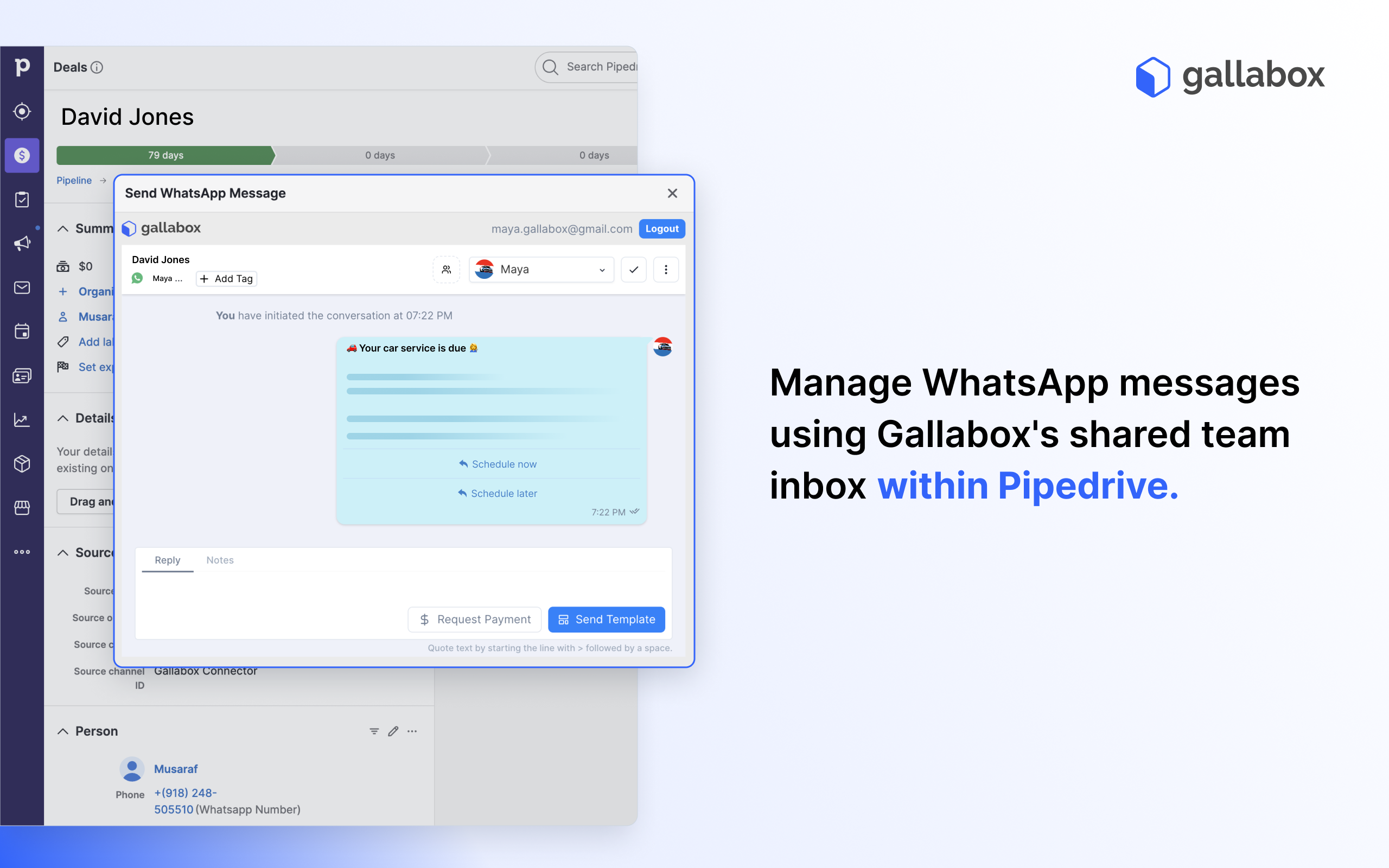
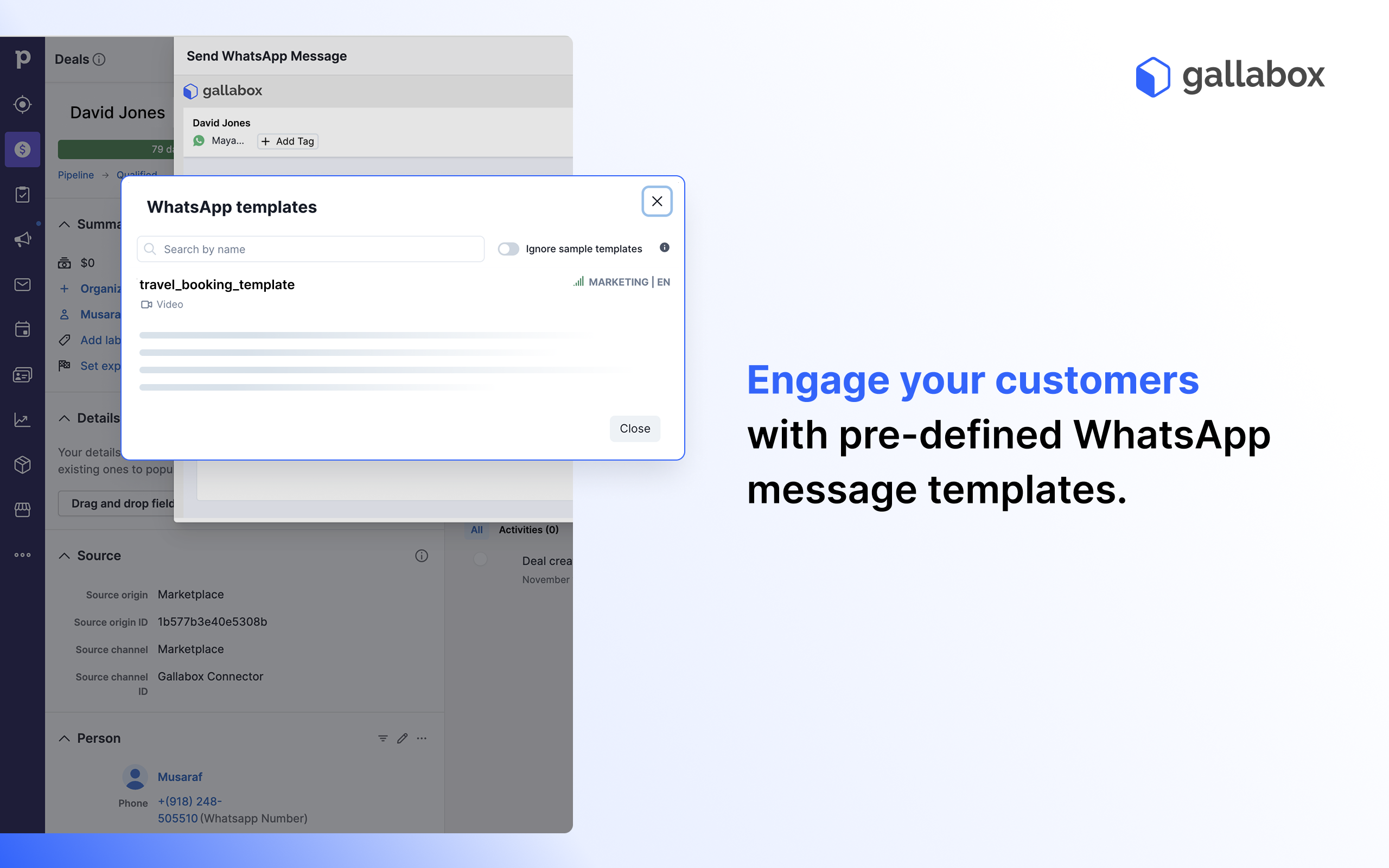
Gallabox’s Pipedrive integration brings the power of WhatsApp messaging directly to your CRM with an intuitive conversation widget. This feature enables sales teams to manage WhatsApp conversations seamlessly within Pipedrive, ensuring faster and more efficient communication with leads and customers.
**Why Use Gallabox?**
Managing customer conversations across multiple platforms can be a hassle. With Gallabox's conversation widget, you can centralize WhatsApp communication within Pipedrive, streamlining your workflow and enhancing customer engagement.
**Key Benefits**
**Centralized Communication:** Access and manage all WhatsApp conversations directly within Pipedrive.
**Faster Response Times:** Quickly engage with leads and customers without switching between apps.
**Improved Efficiency:** Keep all your conversations organized and easily accessible alongside your deals and contacts.
**How to Get Started**
1. Log in to your Gallabox account.
If you don’t have an account yet, sign up [here](https://app.gallabox.com/signup?utm_source=referral&utm_medium=pipedrivemarketplace&utm_content=signup).
2. Go to the Integrations Module and select Pipedrive
3. Install the Extension and create the integration
4. Start using the Gallabox widget in Pipedrive.
**About Gallabox**
Gallabox is a messaging-based sales and marketing platform that helps businesses improve customer engagement and drive results through streamlined workflows and integrations.
REVIEWS (0)
Noch keine Reviews — „Markt anreichern" lädt sie.